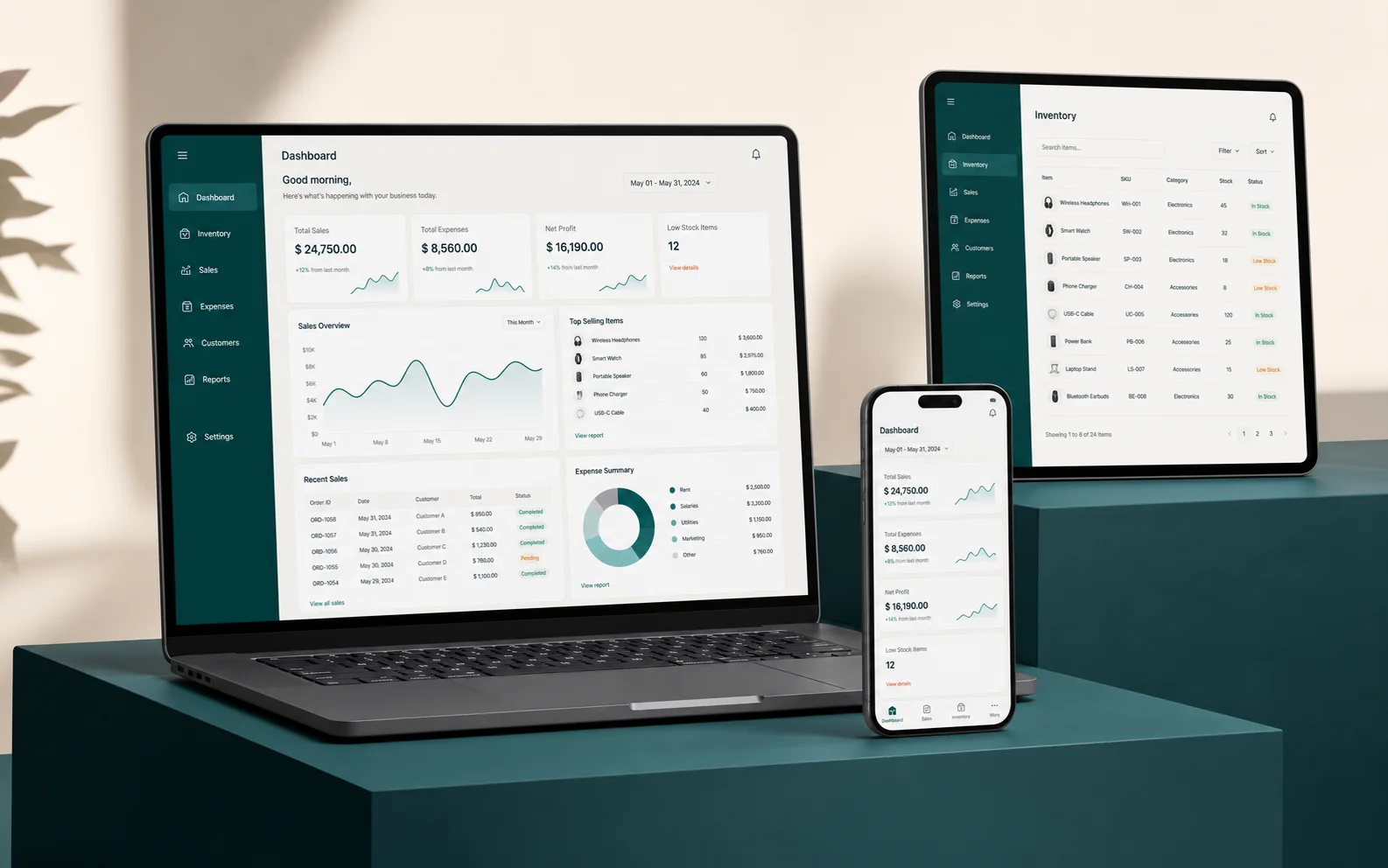
A demo is only as good as your preparation
Vendors will happily show their best screens. Your task is to turn the demo into a test of your own business. A little preparation changes the conversation from "look at our features" to "show me how this handles my day".
Bring your real scenarios
Pick three to five situations from your last month and ask to see them in the software.
- A typical sale from start to finish
- An unusual case, such as a return or a partial payment
- A report you need every week
- A task done by a junior staff member
Involve the people who will use it
The owner may approve the purchase, but the cashier, accountant and store keeper will use the system daily. Invite them to the demo and listen to their questions.
Ask about the unglamorous parts
Features are easy to show. Ask also about backups, user permissions, data import, support hours and what happens if you stop using the service.
Compare on the same basis
When you see more than one product, use the same scenarios each time and write down the results. This protects you from remembering the most polished presentation instead of the best fit.
Agree the next step
End the demo with a clear list of gaps, a scope for any customization and a written quotation. If anything is vague, clarify it before you commit.
This article is general guidance for business owners and is not legal, tax, financial or medical advice. See our disclaimer.